Schematic editor
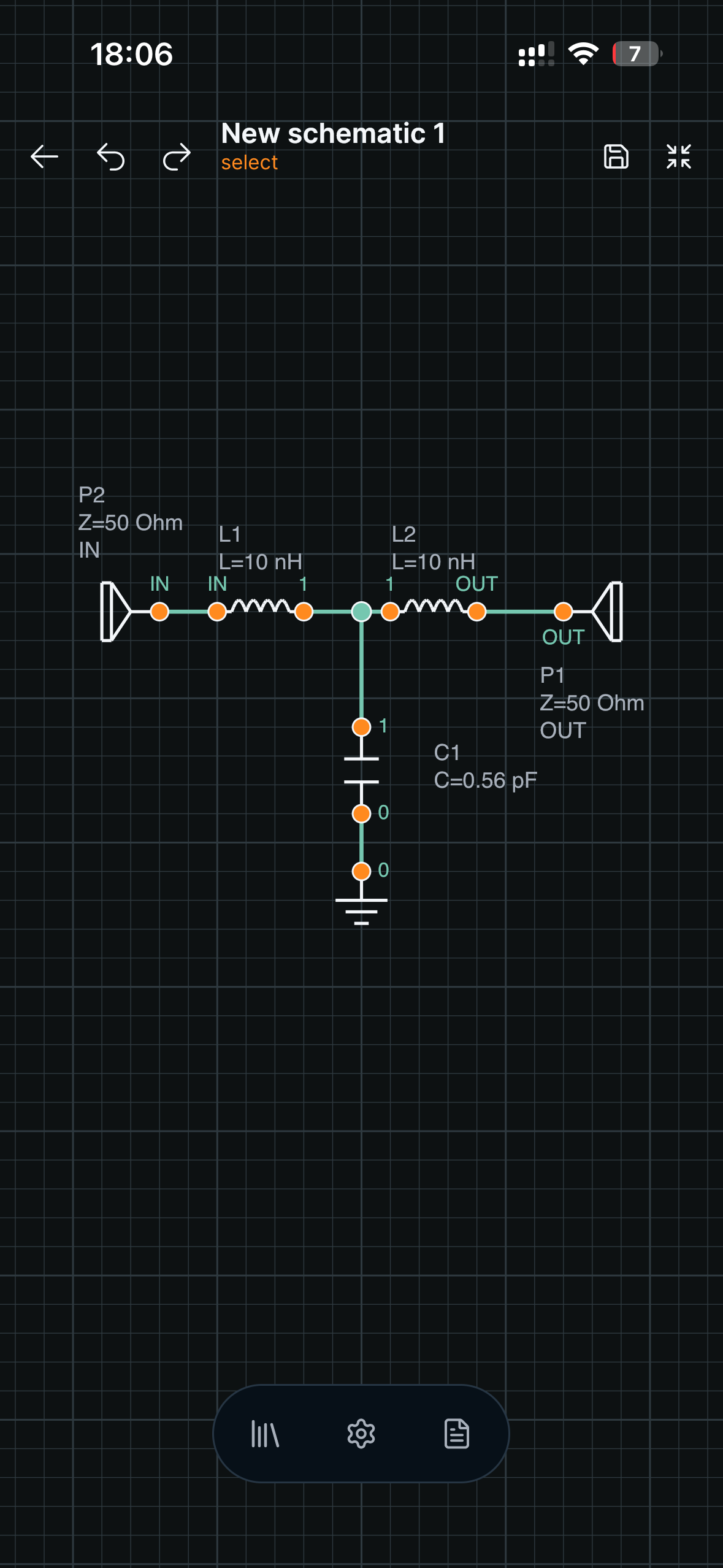
Schematic editor
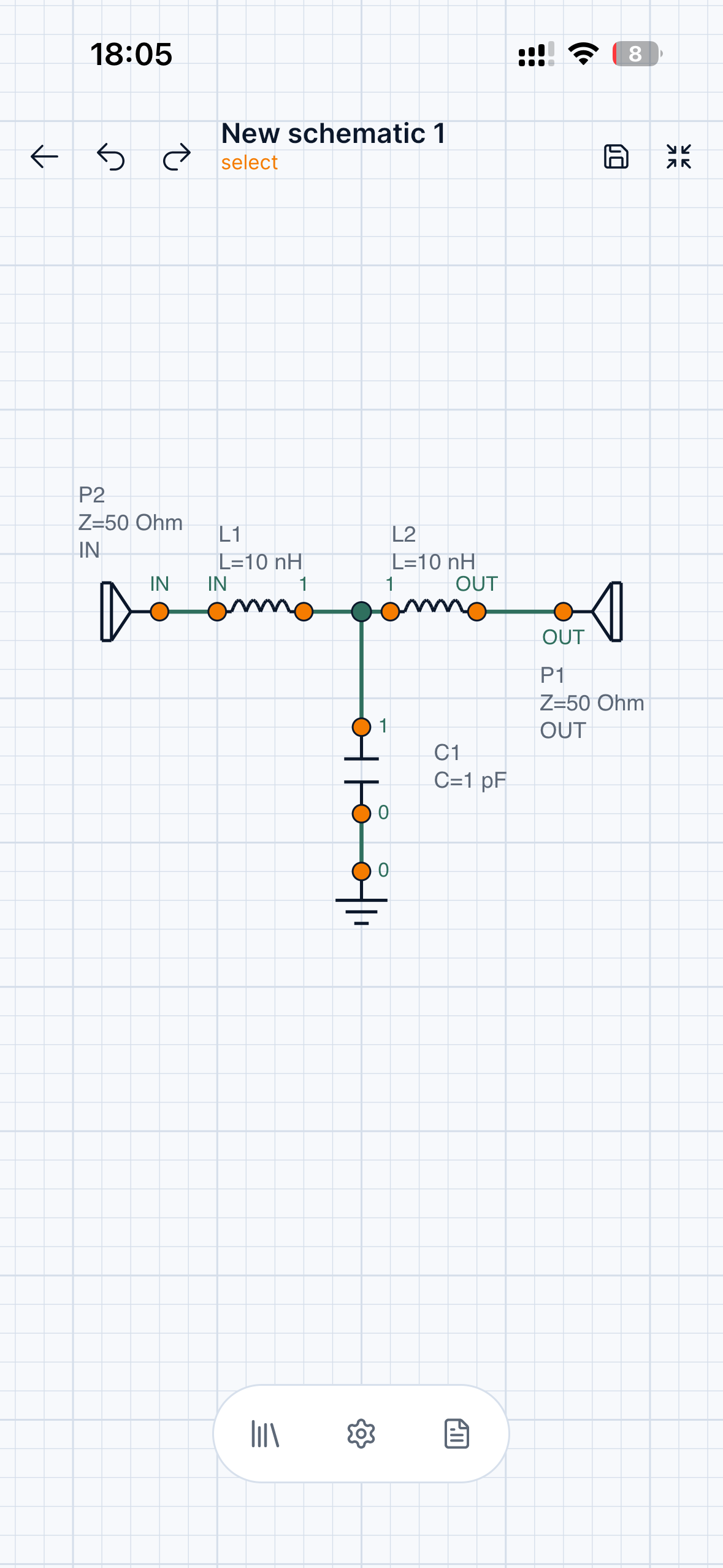
Draw analog and RF circuits with ports, components, net labels, and touch-friendly editing.
Monolith Circuit is a mobile and desktop app to create schematics, run circuit simulations, tune components, and inspect RF measurements.
Product proof
Build a schematic, choose an analysis, add measurements, and tune values without leaving your device.
Draw analog and RF circuits with ports, components, net labels, and touch-friendly editing.
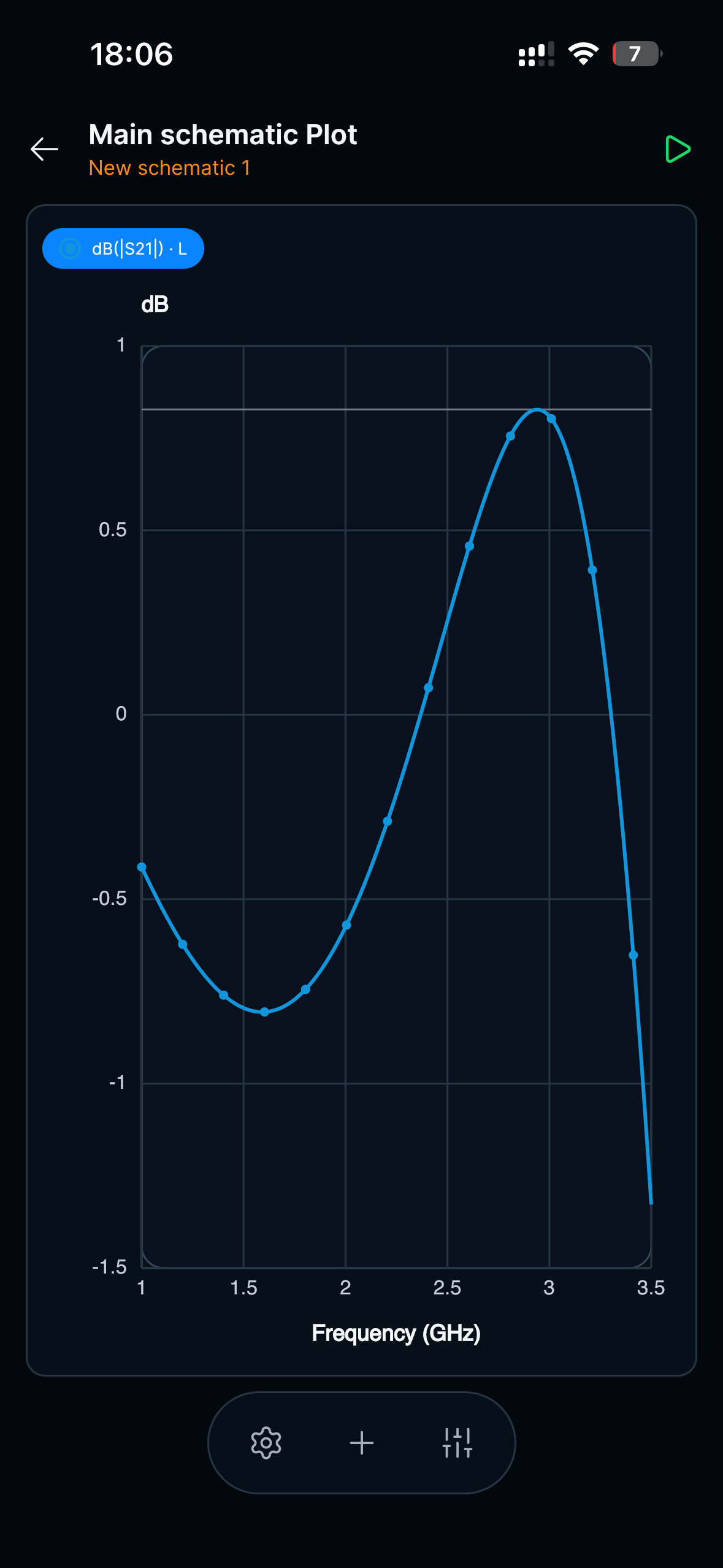
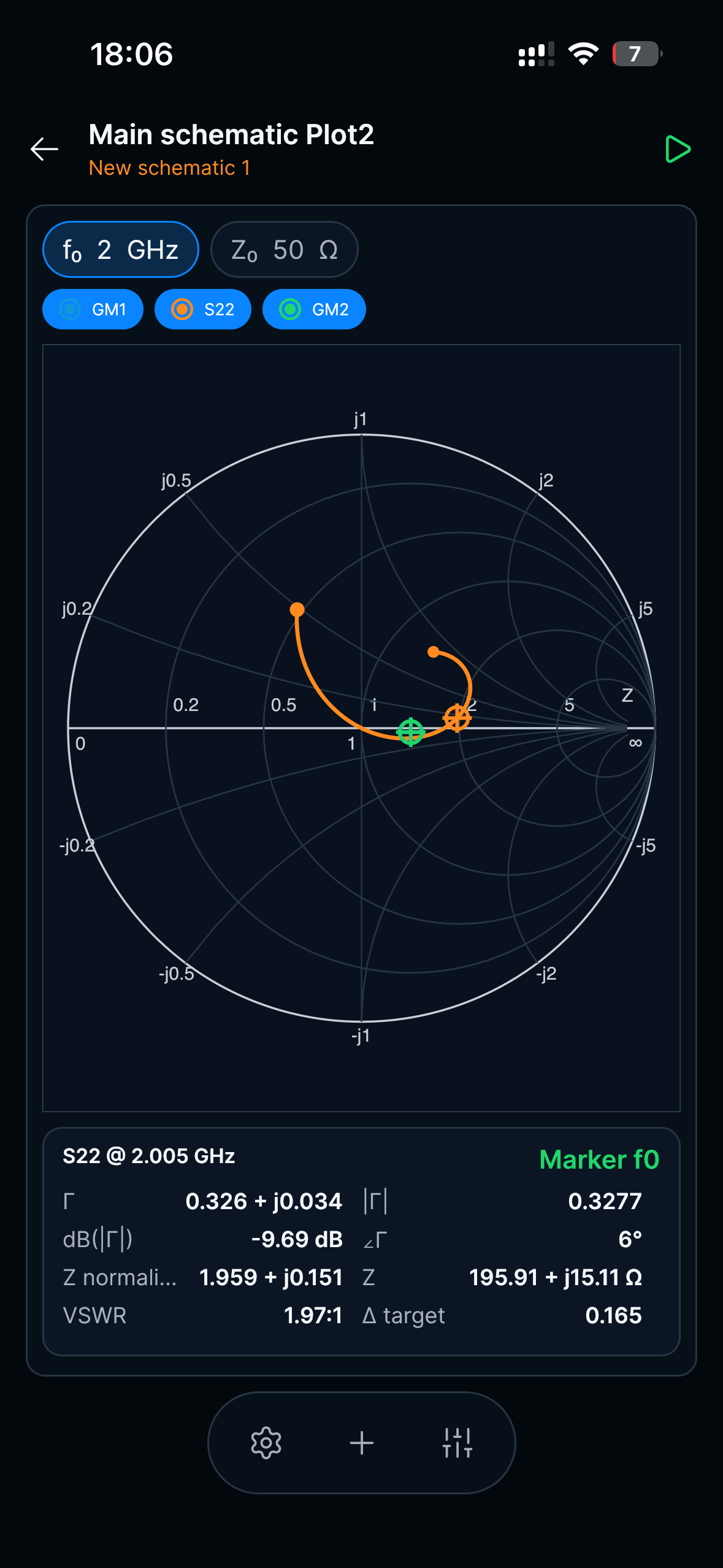
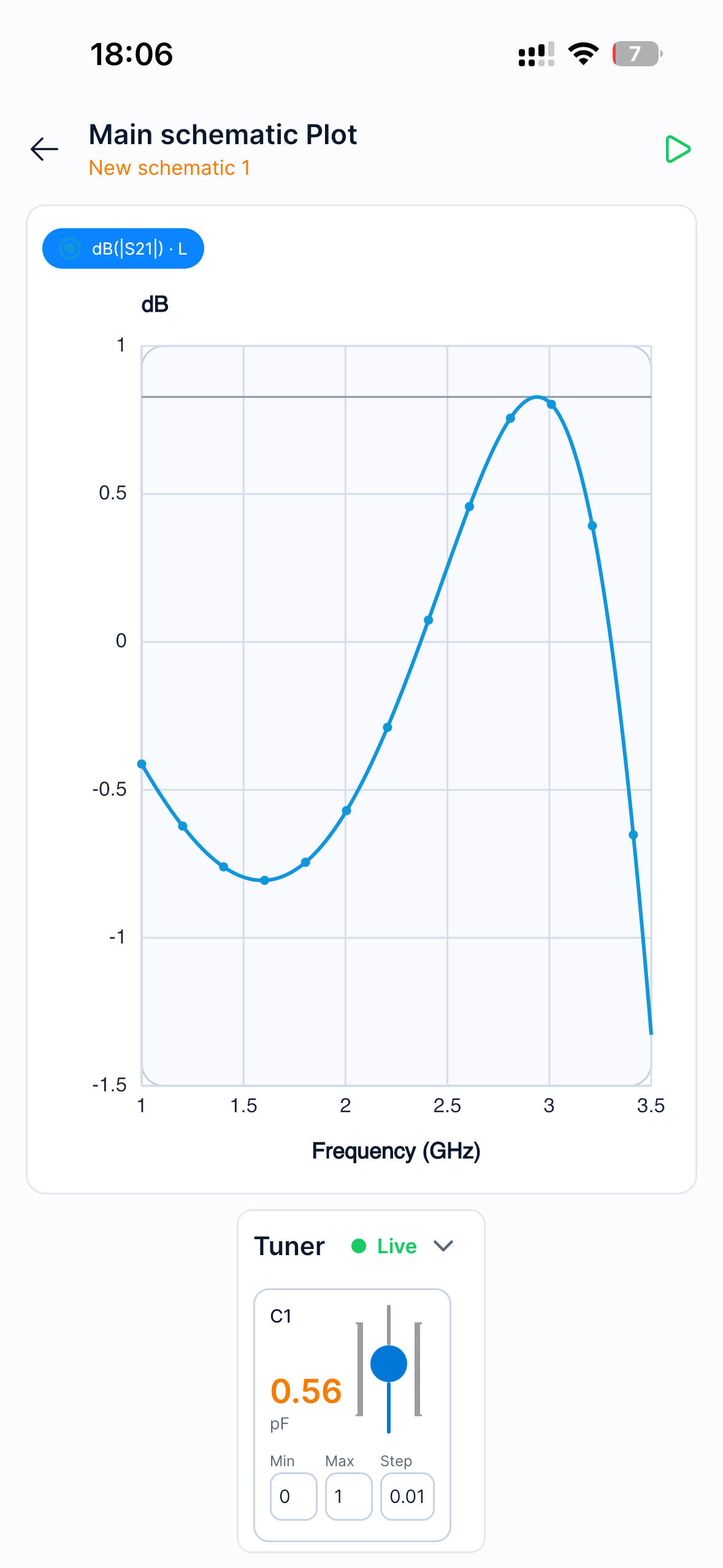
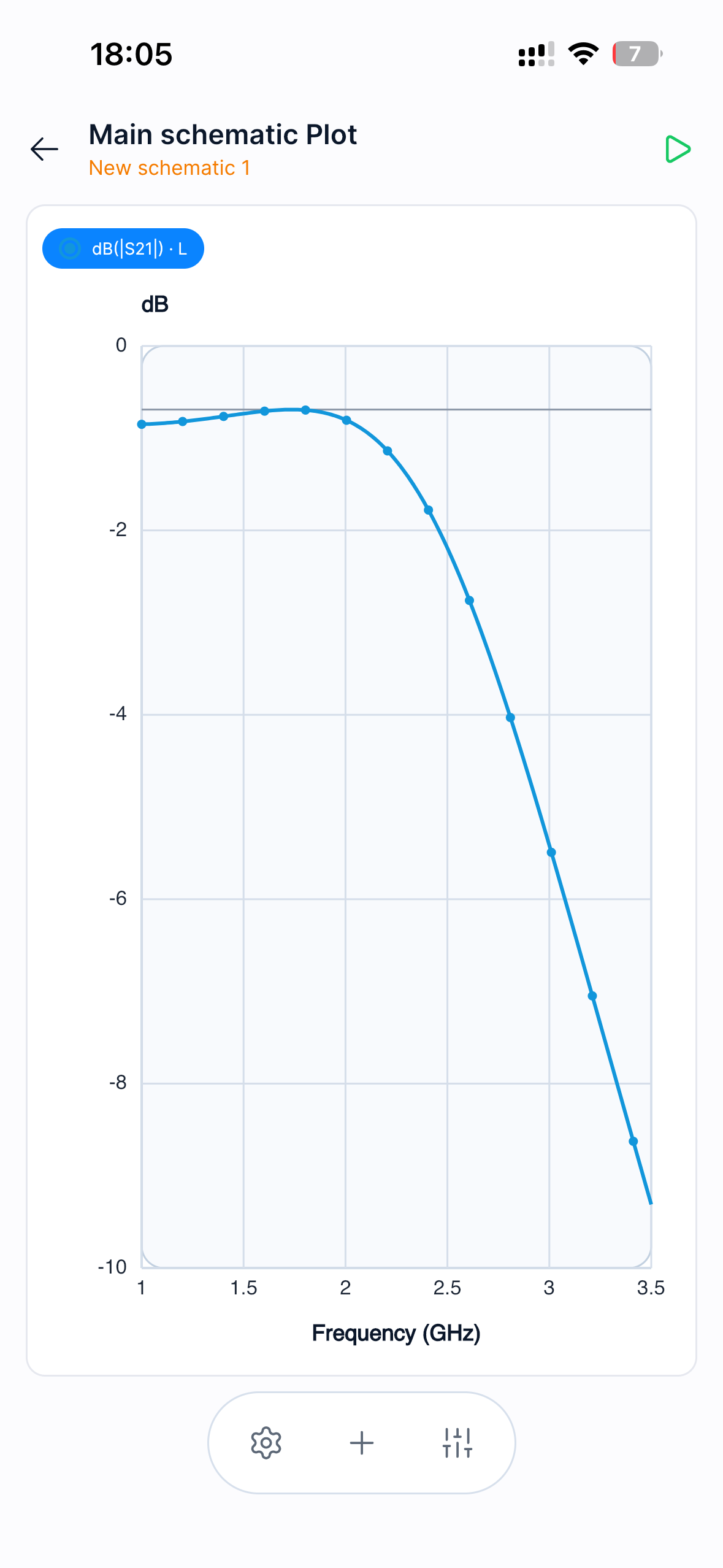
Inspect traces, markers, frequency response, and derived measurements.
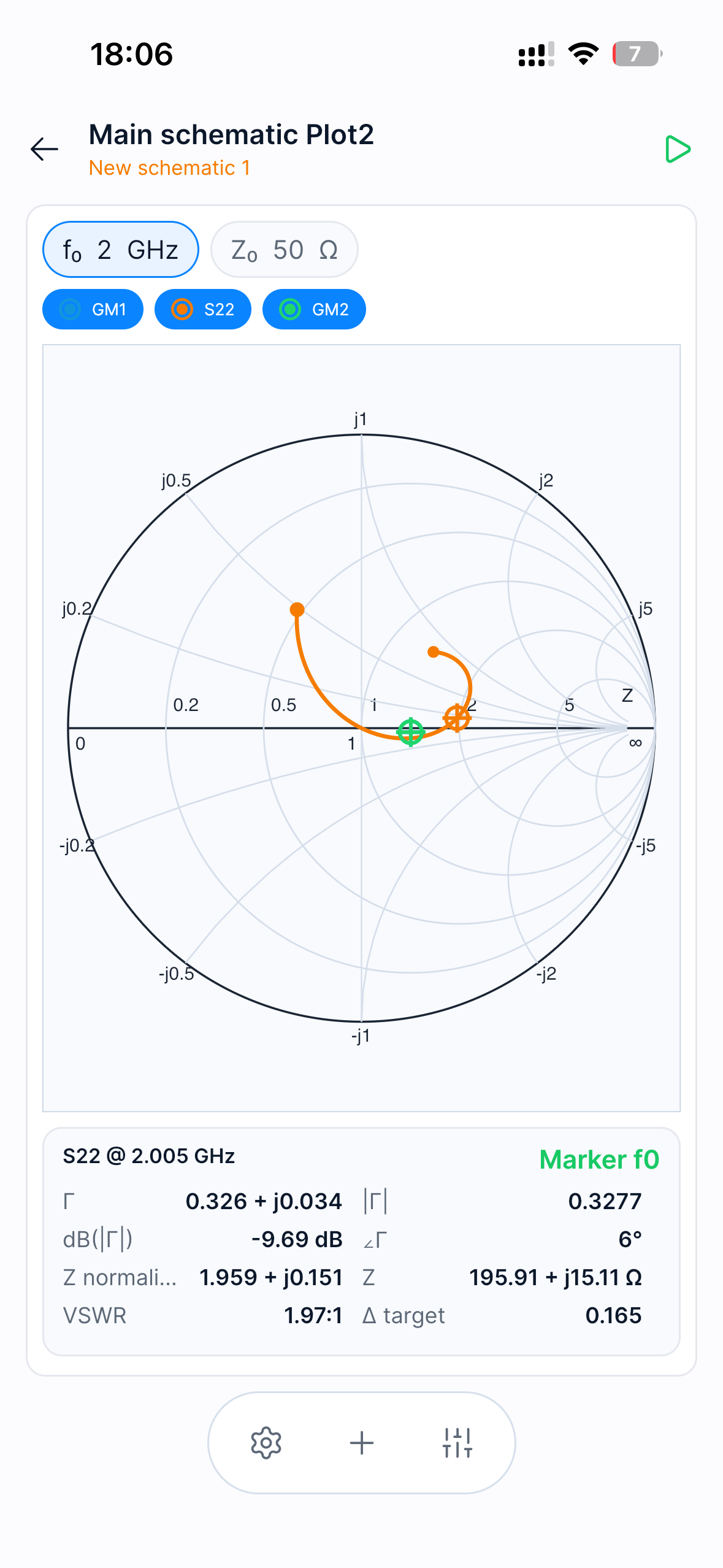
Analyze S-parameters, return loss, insertion loss, impedance, and Smith chart trajectories.
Features
Create circuits with components, ports, labels, and reusable sheets on mobile, tablet, or desktop.
Run AC, transient, and RF analyses with clean plots, markers, and trace controls.
Inspect S-parameters, return loss, insertion loss, Smith charts, gain, and stability metrics.
Tune component values and immediately see how the circuit response changes.
Workflow
Build a schematic, choose an analysis, add measurements, and tune values without leaving your device.
Place components, connect nets, and define ports.
Run AC, transient, or RF simulations.
Plot voltages, S-parameters, losses, and markers.
Adjust components and compare the response.
RF Tools
Monolith Circuit includes RF-focused measurements alongside everyday analog simulation: S-parameters, return loss, insertion loss, Smith chart trajectories, gain metrics, stability factors, and target-frequency markers.
Analog
Use Monolith Circuit for filters, dividers, amplifiers, diode circuits, RC transients, frequency response checks, and quick what-if experiments.
Screenshots
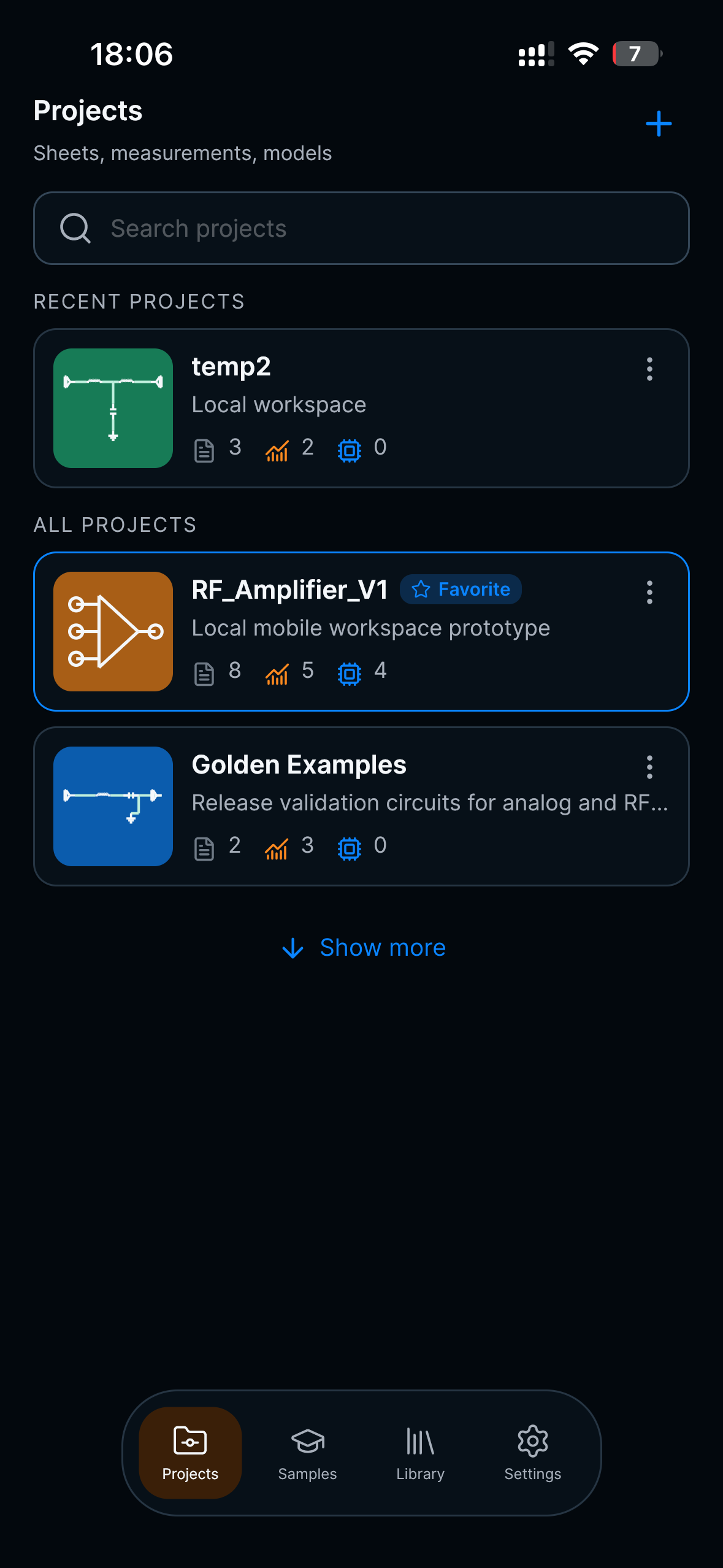
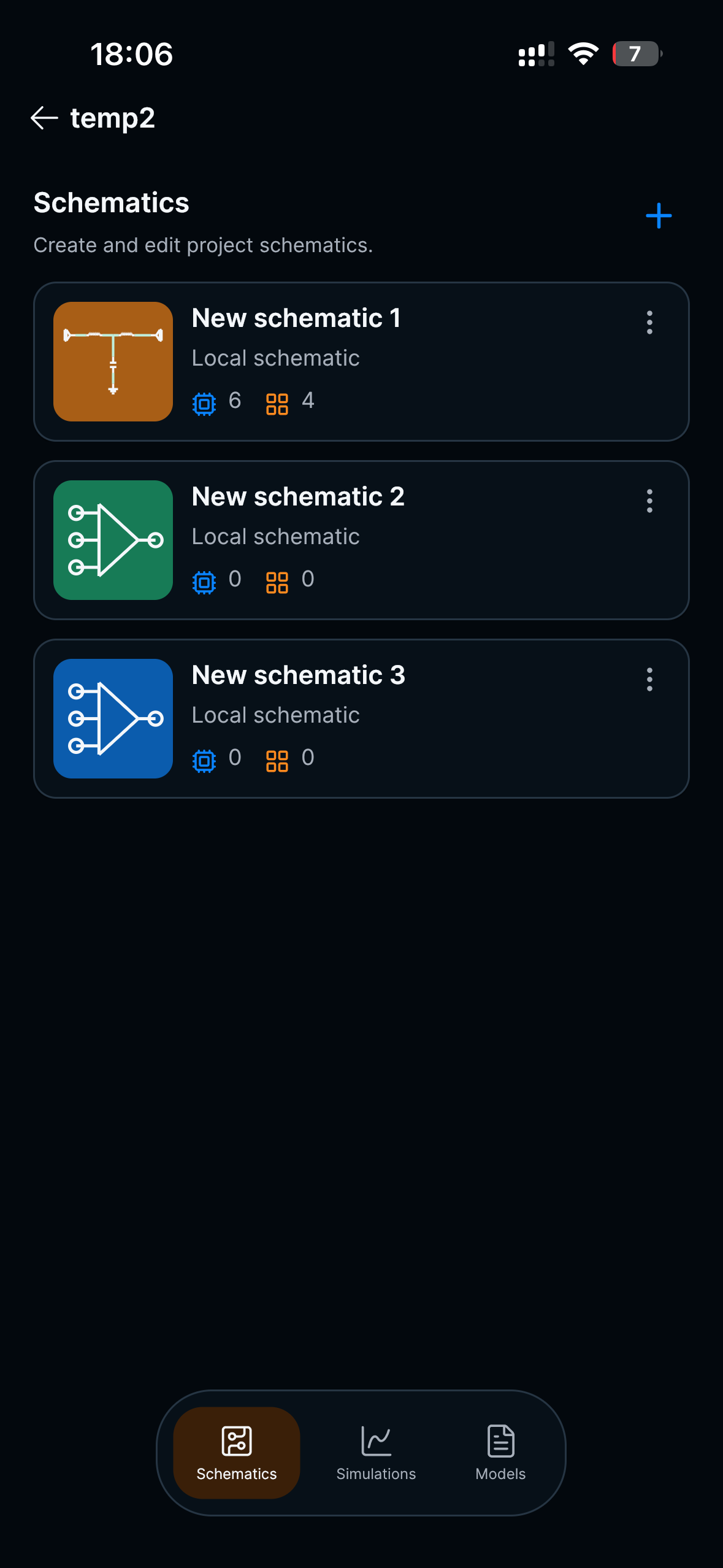
Real app screens from projects, schematic editing, RF plots, Smith chart inspection, and tuning.
Download
Available soon for iOS, Android, and desktop.
Not yet. Monolith Circuit focuses on schematic capture, circuit simulation, measurements, plots, and analog/RF tuning.
No. It is a lightweight workspace for quick circuit experiments, mobile review, and RF/analog tuning. It is designed to complement desktop engineering tools.
The first versions focus on analog circuits, AC and transient analysis, S-parameters, Smith charts, and component tuning.
No. The interface is designed for mobile, tablet, and desktop screens.
Monolith Circuit uses a SPICE-compatible simulation workflow for circuit analysis.